
ONE VIEW
Consistent visibility across selected cameras, zones and sites

Turn compatible camera streams into evidence-backed PPE and hazard alerts—then keep qualified supervisors in control of every response.
ONE VIEW
Consistent visibility across selected cameras, zones and sites
EARLIER SIGNAL
Configured safety events surfaced for supervisor review
EVIDENCE
Camera, time, rule and event context retained together
HUMAN DECISION
Qualified teams verify every response and corrective action
Safety operations, connected
Industrial sites already have cameras, procedures and responsible teams. NET WIZARDS adds a configurable intelligence layer that can observe selected PPE and hazard scenarios, package visual evidence and route it to the right people.
The goal is not automated enforcement. It is consistent awareness: a clear event, a qualified review, a recorded action and a searchable history that supports HSE investigation and continuous improvement.
How the system works
A traceable workflow connects compatible camera streams to configured AI scenarios, evidence-backed alerts and accountable human response.
Human in the loop
AI flags a condition. A qualified person verifies context and decides the response. No autonomous shutdown, lockout or disciplinary action is implied.
Compatible IP/CCTV streams provide the visual input.
Video is routed to the agreed edge, cloud or hybrid environment.
Configured models evaluate PPE, zones and selected unsafe conditions.
The event arrives with camera, time, rule and visual context.
A person acknowledges, escalates or dismisses the event.
Actions and notes remain searchable for reporting and review.
Camera reuse: confirmed only after image quality, field-of-view, network and lighting assessment.
Processing: edge, cloud or hybrid deployment is selected around site and security requirements.
Safety boundary: the platform supplements—not replaces—supervision, risk assessment or emergency systems.
Live detection walkthrough
Three staged demonstrations across manufacturing, oil and gas and construction show the operating sequence without implying automated enforcement.
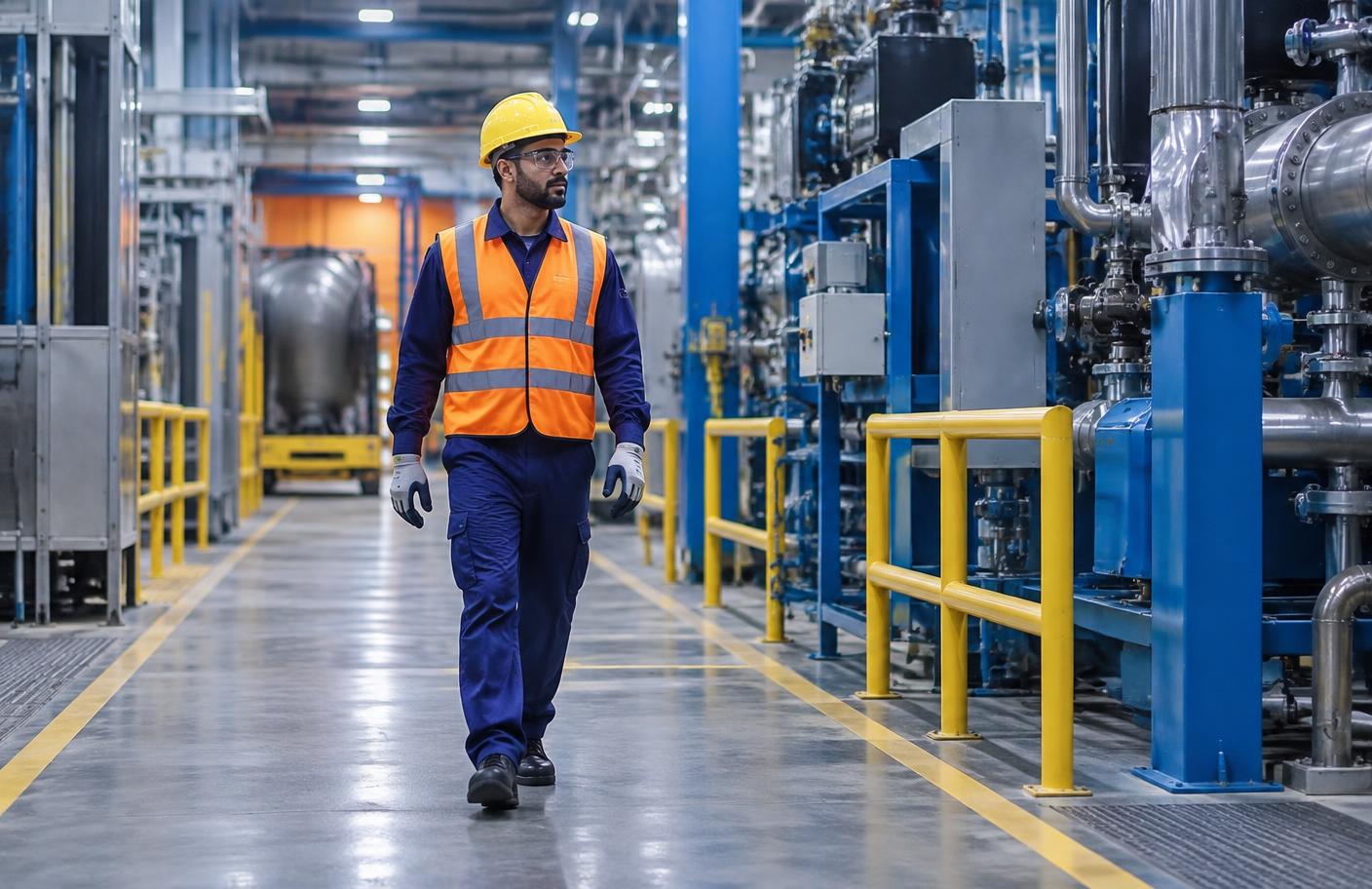
Illustrative scenario · synthetic event
Event sequence
Worker enters the monitored process aisle
Configured helmet and high-visibility checks run
Evidence frame and rule context are created
Supervisor verifies and acknowledges the event
Action and note are stored in the event history
Safety operations platform
Each tile represents a scenario configured for a specific camera and zone. Supervisors see current status, open events awaiting review and the evidence behind them.
Illustrative layout
Tiles, cameras and counts shown here are synthetic examples. Your dashboard reflects the scenarios agreed during the site assessment.
Camera 07 · Process aisle
Camera 21 · Lay-down yard
Camera 15 · Warehouse aisle 3
Camera 04 · Block B scaffold
Camera 09 · Excavation east
Camera 02 · Utility room
Camera 18 · Tower 2 deck
Camera 11 · Transfer bund
Camera 06 · Gate road
Camera 13 · Store bay
Camera 22 · Substation
Camera 27 · Open yard
Event queue: open events stay visible until a qualified person records a decision.
Evidence: every tile links to the camera, time, rule and visual context of the event.
Reporting: history supports HSE review, investigation and trend analysis across sites.
Configured safety modules
Every scenario is scoped to the site, camera view and approved response procedure. Select a module to review its detection logic and human action.
Checks configured items such as helmets and high-visibility clothing within defined camera views.
Observed contextCamera view + PPE class
Human responseSupervisor reviews the evidence frame and follows site procedure.
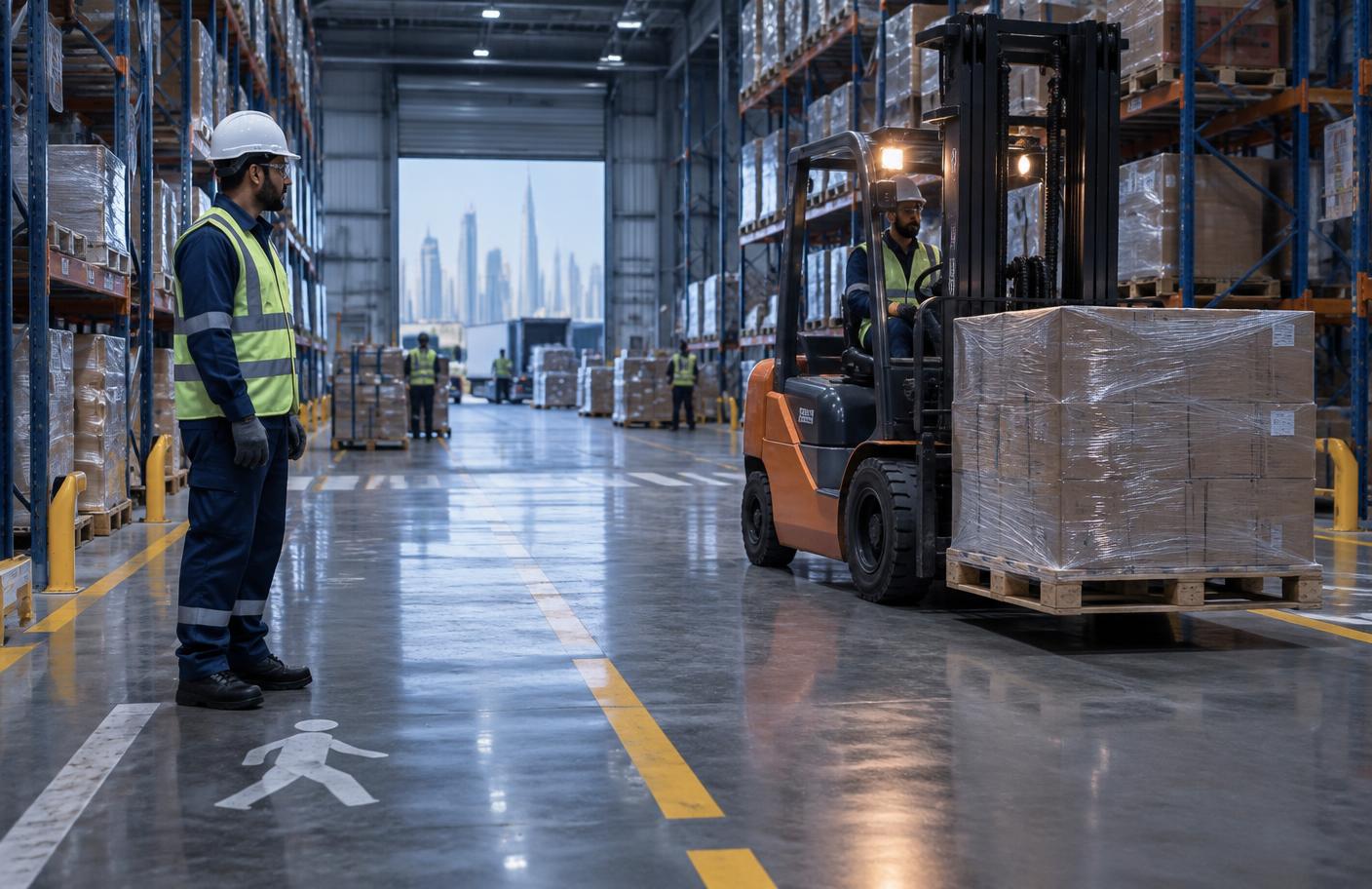
The event carries the camera and zone context required for a person to assess the condition.
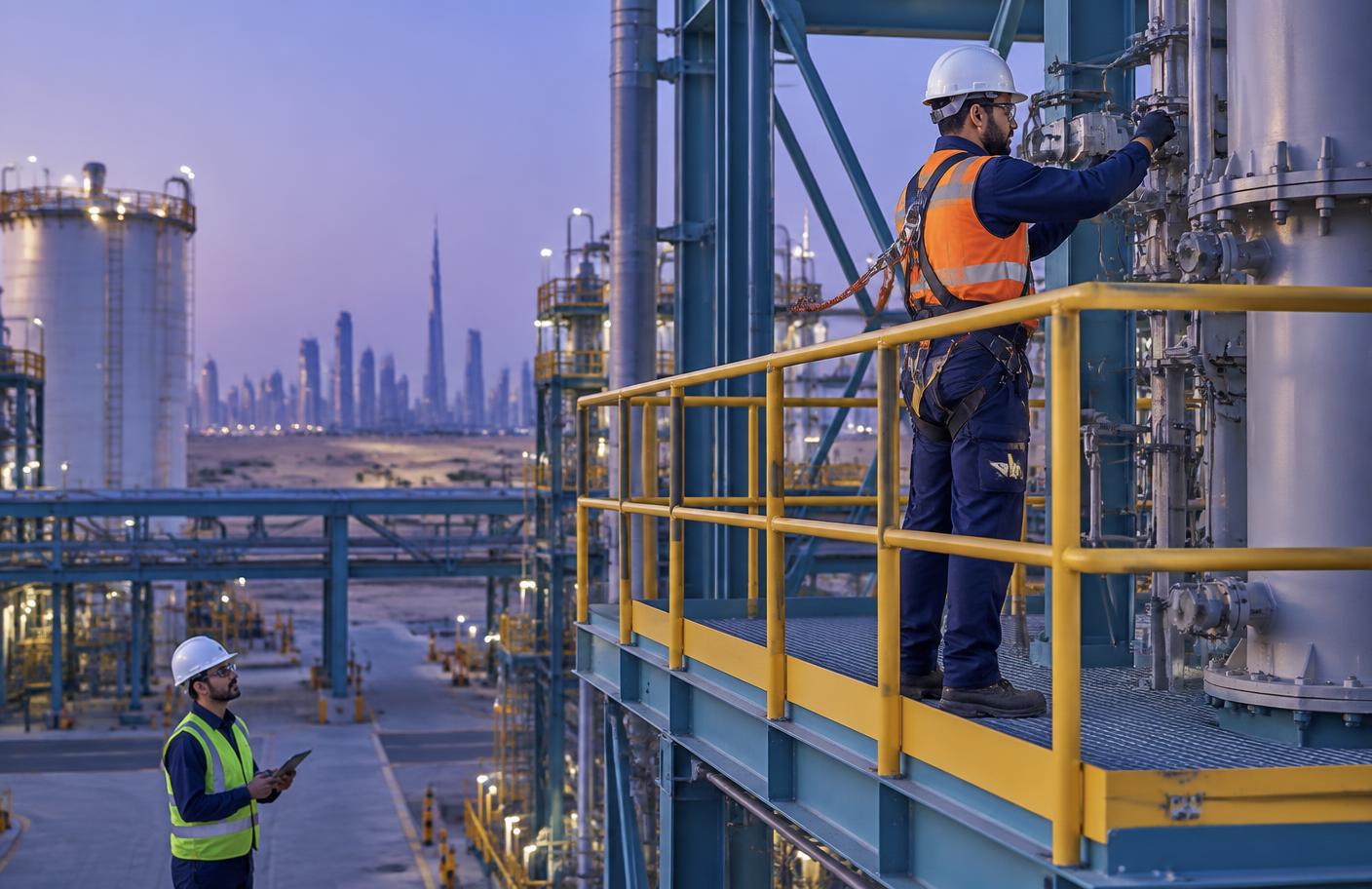
Visual monitoring supports the permit, method statement and required onsite supervision—it does not replace them.
Optional workflow companion
A configurable permit-to-work process can digitize creation, review, qualification checks, equipment records, signatures and audit history. Camera events may inform a workflow, but authorized people retain every approval, revoke and closure decision.
Permit workspace · illustrative
Draft
Complete
Risk review
Complete
Authorization
Human action required
Audit trail
Human action required
Technical deployment
Performance depends on the scene, camera, network, scenario and response process. Each deployment begins with a technical assessment.
Compatibility, placement, field of view, resolution, frame rate and lighting.
RTSP/ONVIF where applicable, bandwidth, edge/cloud/hybrid design and latency needs.
User roles, alert routing, evidence retention, privacy and audit access.
Acceptance testing, false-alert review, model tuning and workflow handover.
Built for every decision layer
Review event trends, policy coverage and evidence history across selected sites.
Receive contextual alerts, verify conditions and record accountable action.
Compare exposure and response patterns without losing site-level context.
Define cameras, networks, processing, security, retention and integrations.
Deployment path
Map site risks, operating zones, cameras, procedures and stakeholder requirements.
Validate camera compatibility, coverage, lighting, network and processing options.
Define scenarios, zone boundaries, users, alert routes and evidence retention.
Calibrate with site conditions, review false alerts and complete acceptance testing.
Handover workflows, monitor performance and review rules as the site changes.
AI Safety · Technical consultation
Our engineers can assess camera coverage, processing options, safety rules, evidence handling and integration requirements before a controlled pilot.
Explore our Industry 4.0 solutions, Industrial Cloud platform, manufacturing and oil and gas capabilities.